
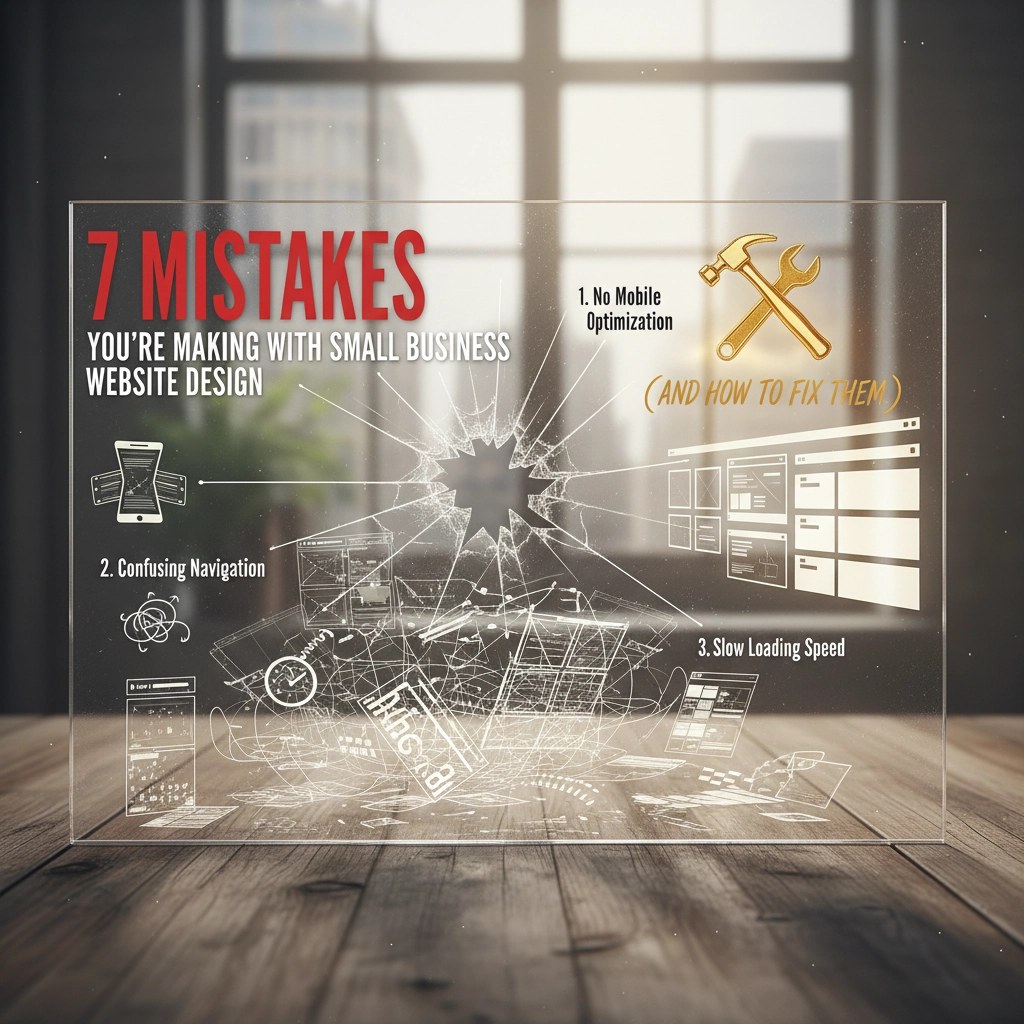
Your website is often the first impression potential customers have of your business. But many small business owners unintentionally sabotage their online presence with simple website design mistakes. These issues don’t just harm your credibility — they actively push customers away and reduce conversions.
Whether you’re building a new site or upgrading an existing one, avoiding these common small business website design mistakes can help turn your site into a strong marketing and sales tool.
1. Burying Your Call-to-Action (or Not Having One at All)
The Problem:
Many small business websites lack clear calls-to-action (CTAs) or hide them beneath long blocks of content. When visitors don’t know what to do next, they leave — even if they’re interested.

The Fix:
Highlight your primary CTA where visitors can see it immediately.
- Use bold, contrasting button colors
- Place CTAs above the fold
- Use action-driven text like “Get a Free Quote Today”
Add CTAs at key conversion points throughout your page — after service explanations, testimonials, or pricing info. A/B test different button styles to learn what resonates most.
2. Ignoring Mobile Users in Your Small Business Web Design
The Problem:
With over 60% of web traffic coming from mobile, a desktop-first design creates frustrating experiences: tiny text, broken layouts, and impossible navigation.
The Fix:
Adopt a mobile-first approach.
- Ensure text is readable without zooming
- Make buttons large enough for thumb taps
- Test your site on multiple devices
- Prioritize fast loading times and essential information
Mobile users make snap decisions — if your site lags or looks messy, they’re gone.
3. Creating Confusing Navigation That Pushes Visitors Away
The Problem:
Complex menus and unclear labels overwhelm visitors. If users can’t quickly find what they need, they leave.

The Fix:
Streamline your navigation.
- Keep your menu to essential pages only
- Use simple, clear labels
- Organize content in logical categories
- Add breadcrumbs and a site search for deeper websites
Your navigation should always answer: “Where do I go next?”
4. Slow Loading Speeds That Hurt Conversions
The Problem:
Website speed is a major ranking factor — and a major user expectation. A 1–3 second delay can dramatically increase bounce rate.
The Fix:
- Compress images before uploading
- Use lazy loading for media
- Choose reliable hosting
- Minimize CSS/JS files
- Enable caching
- Run your site through PageSpeed Insights monthly
Faster load times = higher SEO rankings + better conversions.
5. Ignoring Basic SEO Principles in Your Website Design
The Problem:
A beautiful website won’t help your business if nobody can find it on Google. Missing meta descriptions, unoptimized headings, and weak keyword targeting are common mistakes.

The Fix:
- Target keywords your customers actually search
- Use keywords naturally in titles, H2s, content, and meta descriptions
- Add descriptive alt text to images
- Clean up URL structures
- Submit an XML sitemap
- Strengthen your local SEO strategy
- Keep your Google Business Profile updated
Small improvements can significantly boost traffic.
6. Overwhelming Visitors With Visual Clutter
The Problem:
Too many colors, fonts, or graphics make your site feel chaotic. When everything competes for attention, the user focuses on nothing.
The Fix:
- Use white space intentionally
- Stick to 2–3 brand colors
- Limit to one or two font families
- Remove distracting or unnecessary elements
- Maintain consistent styling across your site
Clutter-free design improves comprehension and increases conversions.
7. Using Weak or Irrelevant Content
The Problem:
Outdated content, generic stock photos, and vague service descriptions weaken trust. Visitors need content that speaks directly to their needs.
The Fix:
- Use original photos of your business, team, or clients
- Write in your audience’s language, not industry jargon
- Include case studies, testimonials, and real examples
- Update your website regularly
- Create helpful blog content that answers customer questions
Great content builds authority and keeps visitors engaged longer.
Turn Your Small Business Website Into a Conversion Machine
You don’t need a full redesign to fix these common small business website design mistakes. Start with the elements that impact user experience the most — mobile optimization, speed, and strong CTAs.
At City Grove Media, we build modern, high-performing websites that help small businesses grow. If you’re ready to turn your site into a tool that attracts and converts customers:
Don’t let website mistakes cost you another lead.
Connect with us today and discover how we can elevate your online presence from day one.
